A phone upgrade is a surprisingly good test of how well you understand your apps. The familiar icon returns, but an old project is missing. A purchase appears on one account and the saved settings on another. The problem often begins with treating the app as one object when several separate things have to move together.
A small setup record can prevent that confusion. It does not need passwords or a complete inventory of your digital life. It needs the app's identity, the account involved, the location of important information and one checked way to recover that information. Start with the few apps whose loss would interrupt something you actually care about.
Separate four things that look like one
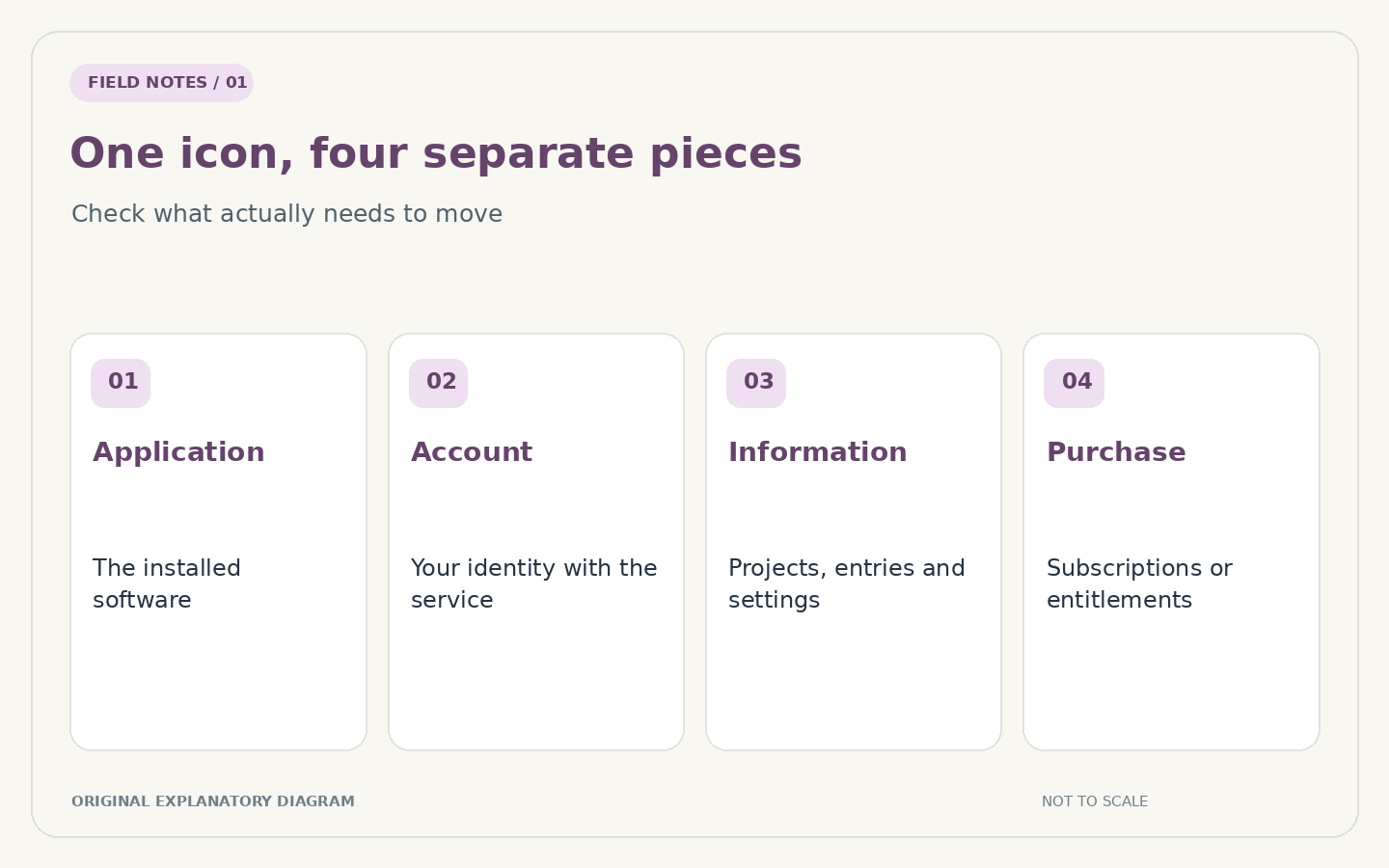
Write four labels on a page: application, account, information and purchase. The application is the software installed on the phone. The account identifies you to a service. The information might be stored on the device, in a connected service or in an exported file. A purchase or subscription may have its own account relationship.
Apple's redownload guidance distinguishes retrieving an app from restoring certain in-app purchases, and it notes that availability can differ between devices. This is a useful reminder to check the pieces separately rather than assuming that an icon restores every entitlement and every record. Your own app may have additional recovery instructions, so put the publisher's relevant help page in your setup record. [1]
Identify the app before installing it
Names and icons are useful clues but poor substitutes for a verified publisher. Start from a source you already trust, such as the publisher's established website or the store listing associated with your existing installation. Compare the publisher name and the purpose of the app. A search result that looks familiar may still describe a different product.
For an older app, record the date of the information you find. Instructions written for a previous operating-system version may no longer describe the current setup. If an app has disappeared from its usual distribution channel, focus first on recovering your information through supported options. The goal is continuity of your work, which may be possible even when the original software is no longer available.
Discover where the important information lives
Choose one item you would miss: a journal entry, a saved document or a completed project. Find the app's explanation of where that item is stored and what protects it from device loss. Words such as sync and backup deserve a second question. Does the process keep another copy, mirror deletions or depend on signing into a particular account?
Write the answer in ordinary language. For example, this project is stored in my account and can also be exported as a file. Do not write that sentence unless you have checked it. A concise, accurate note beats a detailed diagram based on assumptions. If the storage model remains unclear, make that the first support question before you replace the device.
Export one small item first
An export is most useful when another appropriate tool can open it. Try a small, unimportant example before relying on a complete archive. Check that the exported file contains the information you expected, including dates, labels or attachments that matter to you. A successful download only establishes that a file was created, not that it is usable.
Record the export format and the date of your check. If the file contains private material, choose its destination deliberately and remove unnecessary test copies afterward. This is also a chance to decide what you no longer need to carry forward. An upgrade becomes easier when you have a small, intelligible collection instead of several unexplained archives with nearly identical names.
Give permissions a functional reason
For each requested permission, ask which feature you want it to support. A voice note feature has a clear reason to request microphone access; another feature may have no need for it. This question is more practical than granting everything at setup and trying to remember why months later. Revisit the choice if you start using a new feature.
Android's official guidance describes changing permissions by app or permission type, with available controls depending on the permission and system version. Use those controls to align access with the functions you actually use. A permission is an operating-system capability, not evidence that the app's interpretation of collected information is correct. That distinction becomes especially relevant when an app starts presenting health-related summaries. [2]
Rebuild notifications around decisions
A notification should help you do something at a useful time. During setup, decide which events need immediate attention and which can wait until you open the app. Restoring every old alert can recreate interruptions you had stopped noticing. A new phone gives you a clean opportunity to connect each alert to an action.
Use a simple test: if this appears while I am busy, will I know what to do? A vague progress message may not pass. A reminder to complete a task you deliberately scheduled might. Keep essential service or security notices distinguishable from optional engagement messages where the app permits it. The aim is an arrangement you can explain, which makes later changes easier to evaluate.
Rehearse recovery without disturbing your work
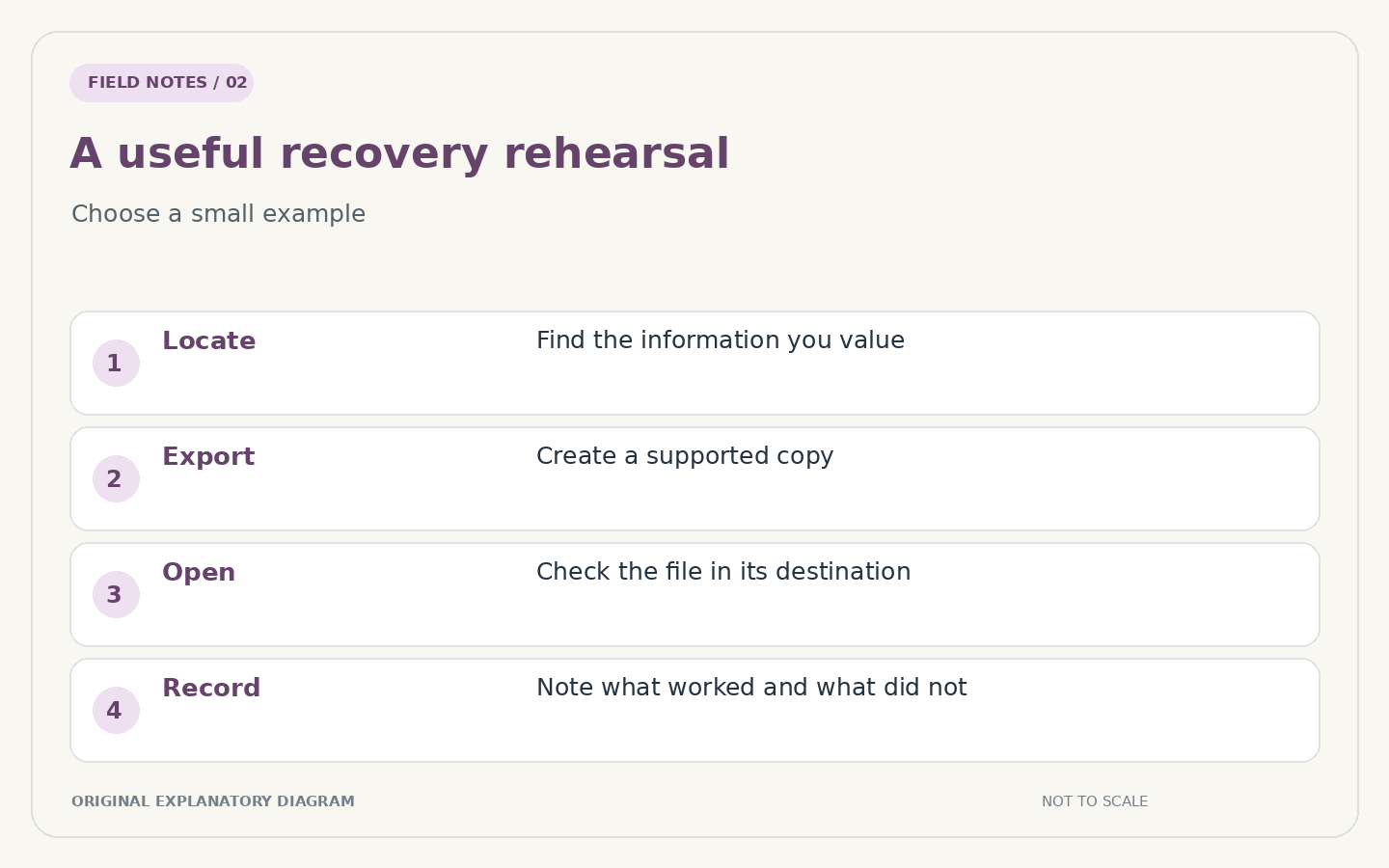
A rehearsal can be modest. Open an exported example in the intended destination, confirm which account holds your purchase history or locate the app's recovery instructions. Avoid signing out of an essential service merely to conduct a casual test unless you have confirmed how to return. Choose a check that produces useful evidence without creating unnecessary disruption.
Write what you tested, not a sweeping conclusion. Exported document opened with its headings intact is a stronger note than everything backed up. If an attachment or setting did not transfer, record that gap while the old phone remains available. A short list of specific exceptions is manageable; discovering the same exceptions after the old device is erased is much more frustrating.
Leave a handover note for your future self
Finish with a compact record containing the app's verified identity, the relevant account label, where information lives and the recovery step you checked. Keep passwords and recovery secrets in an appropriate credential manager rather than in this general note. The record should help you find the right process without becoming a new collection of sensitive credentials.
Review it when an app changes its storage options or becomes important to a new part of your life. You do not need to document every minor update. The useful trigger is a change in what you would lose or how you would recover it. With that habit, the next phone upgrade becomes a short sequence of known checks instead of a reconstruction of forgotten decisions.
Sources
- Redownload apps from Apple — Apple Support
- Change app permissions on your Android phone — Google Android Help